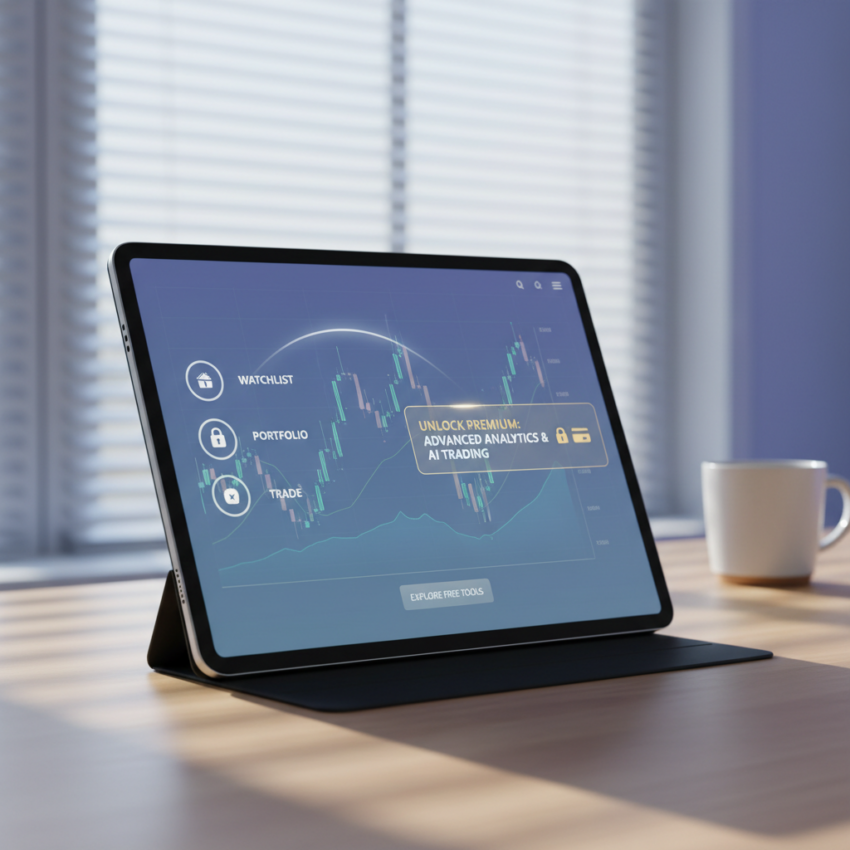
This guide is for new and intermediate retail traders evaluating charting software for technical analysis (reading price charts). It breaks down exactly what features are included at zero cost. It explains the limitations of the unpaid tier. It details the upgrade paths to help you decide if a premium subscription is necessary for your trading strategy. You will find a clear answer to whether is tradingview free for your specific use case. TradingView operates on a freemium model. It offers a robust unpaid version alongside multiple paid tiers. You can access world-class charting, basic indicators, and social features without spending any money. Dive straight into the platform. Test its capabilities before committing capital to a software subscription. See if the raw speed and data feeds meet your exact requirements. Start your journey by opening a zero-cost profile. Navigate the interface to understand the layout. Determine if the basic tier supports your daily market routines.
- The TradingView Basic plan is permanently free. It includes essential charting tools, global market data, and community ideas.
- Unpaid users get access to basic screeners. You join a massive social network of traders and use standard technical indicators.
- Paid plans offer a 30-day free trial. Test advanced features like multiple chart layouts and custom timeframes on the Essential, Plus, or Premium tiers.
- Active day traders usually outgrow the free plan. Strict limits on indicators per chart and the presence of advertisements force many users to upgrade.
The Basic Free Plan Mechanics
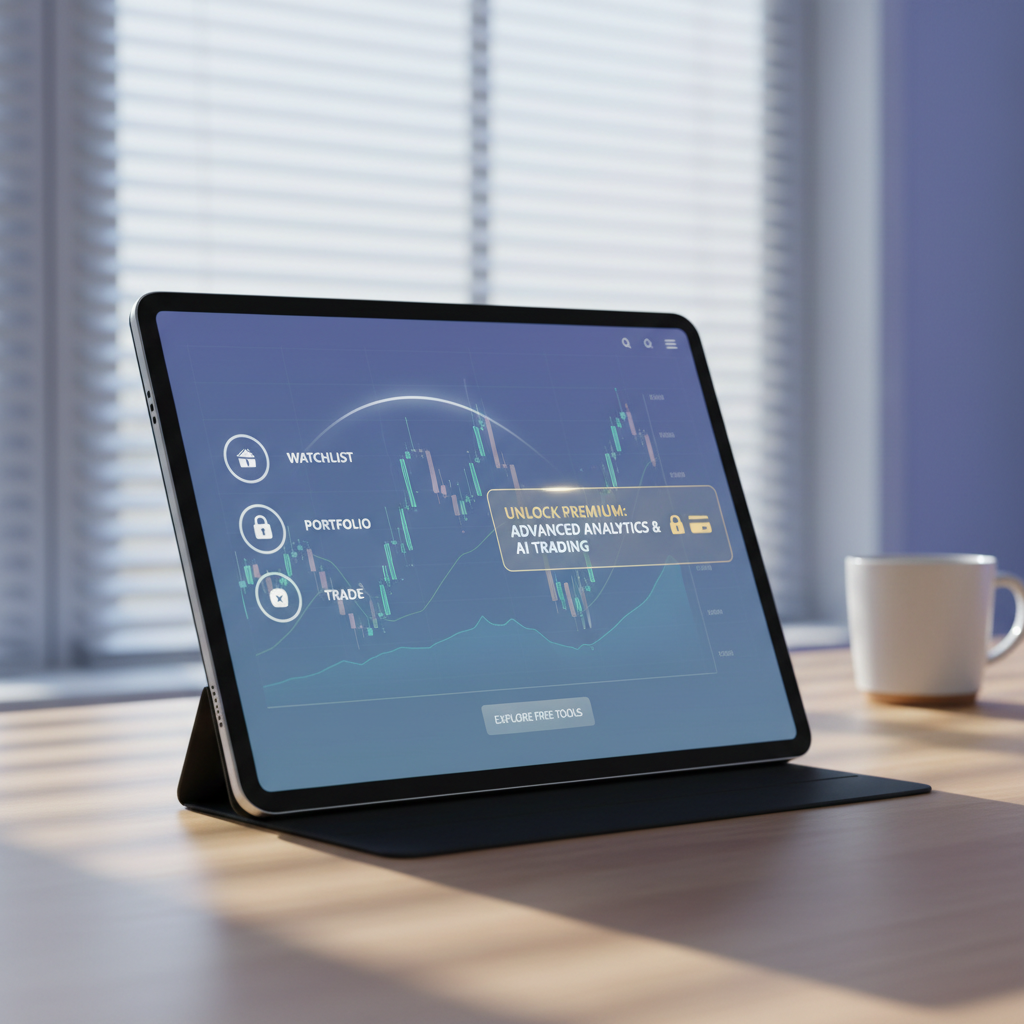
Explain the core offering of the TradingView Basic tier. You can sign up with just an email address. You immediately gain access to the main charting interface. The platform requires zero upfront payment. You do not need to enter credit card details to start. This permanent unpaid tier serves millions of market participants globally. Start plotting support and resistance lines within 60 seconds of account creation.
Describe the primary charting capabilities provided at no cost. You can view virtually any market. Track forex pairs, global equities, commodities, and digital assets. Switch between standard candlestick, line, or bar charts. The charting interface responds instantly to your inputs. The basic tier includes full historical data for most major assets. You can scroll back decades to backtest simple concepts on the daily timeframe.
Apply technical indicators to your charts. Free users can attach basic tools like Moving Averages, Relative Strength Index (a popular momentum oscillator), and MACD to your analysis. Note that you have access to over 100,000 community-built indicators in the public library. These scripts range from simple volume overlays to complex algorithmic signals. You can search the library and add these custom tools instantly.
Take advantage of the extensive drawing tools available on the free tier:
– Access over 90 intelligent drawing tools instantly.
– Draw Fibonacci retracements, Gann fans, and Elliott Wave patterns.
– Measure price movements precisely with the built-in ruler.
– Calculate risk-to-reward ratios using the long and short position tools.
– Save your chart layouts automatically to the cloud and access them via the mobile application.
Set up the alert system to manage your time. The free plan includes 1 active price alert. This allows you to step away from the screen. Wait for a specific price level to trigger a notification. The system sends an email or a push notification to your mobile device. Use this single alert strategically for your highest-probability setup. Cancel the alert and set a new one as the market moves.
Emphasize the quality of the core charting engine. It is identical to the engine powering the paid versions. You get high-quality rendering. Experience smooth zooming and panning across all timeframes from 1 minute to 1 month. The HTML5 technology ensures the platform runs perfectly in any modern web browser. You do not suffer degraded performance or slower load times on the free tier.
Limitations and Restrictions of the Unpaid Tier
Outline the specific bottlenecks that force traders to consider upgrading. The basic plan enforces strict rules that impact advanced analysis.
- The free plan enforces a strict maximum of 2 indicators per chart. You cannot overlay 3 moving averages alongside volume and momentum oscillators simultaneously. This restriction forces you to constantly add and remove tools during complex analysis.
- Free users can only view 1 chart per tab. This makes it difficult to monitor multiple timeframes simultaneously. You cannot place a 5-minute chart next to a 1-hour chart on a single screen. Tracking correlated assets like the S&P 500 and the US Dollar index requires switching between browser tabs constantly. You lose precious seconds during volatile market sessions.
- The unpaid tier includes occasional pop-up advertisements. These ads appear in the bottom left corner of the screen. They can distract you during fast-moving market conditions. You must manually click to close these prompts and clear your viewing area. Frequent interruptions break concentration during critical trading sessions.
- The basic tier limits customer support access. Free users do not get access to dedicated support tickets. You must rely on community forums and the help center to resolve platform issues.
- You cannot export chart data to CSV files on the basic tier. This blocks quantitative traders from analyzing price action in external spreadsheet software.
Consider the volume profile indicator restrictions. The free plan restricts access to the Volume Profile tool. This tool remains essential for day traders tracking liquidity nodes. You must upgrade to access this specific institutional-style indicator.
Analyze the market data limitations. Forex and cryptocurrency data are generally real-time for all users. However, certain traditional futures or stock exchange data face restrictions. You might experience a 10 to 15-minute delay on specific global indices. You cannot purchase specific real-time data add-ons without upgrading to a paid base plan first. Check the ticker symbol for an orange delayed icon to verify data speed.
Watch out for: Relying on the free plan for sub-minute scalping. The lack of custom second-based timeframes and delayed data on specific exchanges can severely impact high-frequency execution.
The 30-Day Trial System for Paid Upgrades
Detail the process of testing premium features without immediate financial commitment. TradingView offers a 30-day free trial for its paid tiers. You can explore the full depth of the software completely risk-free. This window provides enough time to determine if the advanced tools actually improve your trading performance. Test the platform across 4 full trading weeks.
Break down the 3 primary paid tiers available for trial. You can choose between Essential, Plus, and Premium. Each tier progressively increases the limits on indicators, alerts, and chart layouts. The Essential plan provides 5 indicators per chart. The Plus plan doubles that to 10 indicators. The Premium tier unlocks massive capacity for professional use.
Follow these steps to activate and manage your trial effectively:
1. Provide a valid credit card or PayPal account to initiate the 30-day period. The system requires this to prevent trial abuse.
2. Verify that no charges occur until the exact moment the trial expires. You retain full control over the billing cycle during this testing phase.
3. Set a calendar reminder at day 28. Cancel the subscription immediately if you decide the premium features do not justify the ongoing cost.
4. Execute the cancellation process in less than 2 minutes. Click the cancellation button in your billing dashboard. The system instantly reverts your account to the free Basic tier at the end of the 30 days.
Look at the custom timeframe options unlocked during the trial. The trial allows you to test non-standard time intervals. Create a 3-minute chart or an 8-hour chart. Test the execution speed of the server-side alerts. Premium trials include up to 400 active price alerts. These alerts can trigger webhooks to automate your trading via third-party platforms. Test the deep backtesting capabilities. The premium trial extends your historical data limits. Load up to 20,000 bars of historical intraday data.
Utilize the trial strategically. Recommend testing the highest tier first. Select the Premium plan to experience the absolute maximum capabilities. Test having 25 indicators per chart. Build layouts featuring 8 charts on a single screen. Experience the platform at its maximum power. Downgrade to a lower tier later if those maximums prove unnecessary for your specific strategy.
Broker Integrations for Seamless Access
Explain how you can connect third-party brokerage accounts directly to the interface. This integration feature is fully supported on the free plan. You do not need a premium subscription to link your live trading account. The platform acts as a front-end execution terminal for your existing broker. Manage your entire portfolio from one central screen.
Execute trades directly from the charting screen. Connecting a supported broker allows you to place market, limit, and stop orders instantly. You drag and drop order lines directly on the chart. Adjust your stop-loss visually based on support and resistance levels. You never have to switch tabs or open a separate desktop platform to manage positions. Execute a trade in under 3 seconds.
Review the scope of compatibility and integration features:
– Connect securely to over 40 regulated brokers globally.
– Access forex, global equities, and cryptocurrency markets through a single panel.
– Track your execution history directly on the chart with entry and exit arrows over historical price action.
– Switch between multiple linked accounts, such as your margin account and your IRA, seamlessly.
– Keep your funds secure. TradingView never holds your actual capital. All deposits and withdrawals remain on your broker’s website.
Leverage specific broker partnerships. Brokers like ActivTrades allow you to start using TradingView for free while executing trades. This blends professional execution speeds with top-tier charting analysis. You get institutional-grade spreads while utilizing the familiar web-based charting interface. Check the broker panel for exclusive promotional offers.
Practice your strategies using the paper trading feature. The free version includes a built-in simulator. You receive a $100,000 virtual balance to trade with real market data. This allows beginners to practice chart patterns and order execution risk-free. Execute 100 practice trades to build confidence. Reset the balance at any time to start a new testing phase.
Core Tools Included at Zero Cost
Detail the supplementary features that make the free tier highly valuable beyond just charting. The platform operates as a massive social network for traders. You can interact with other market participants directly through the interface. Follow successful analysts and study their published methodologies. Build a network of like-minded traders.
Explore the public Ideas section. The platform supports a community of over 100 million investors. These users publish trade setups, educational posts, and macro analysis. You can read all of this content for free. Search for specific ticker symbols to see what other traders predict for the upcoming week. Filter ideas by asset class or specific technical patterns.
Maximize your research with these built-in free tools:
– Utilize the Stock, Forex, and Crypto screeners to filter thousands of assets instantly.
– Scan the market based on technical criteria like a 50-day moving average crossover.
– Filter stocks using fundamental metrics like a Price-to-Earnings ratio below 15. The screener updates in real-time. Find 10 high-probability setups in under 5 minutes.
– Track fundamental data using the economic calendar. Real-time macroeconomic data releases integrate directly into the right-hand sidebar.
– Read curated financial news from top global outlets aggregated directly in the platform.
– Monitor sector performance using the heatmaps feature. Visualize the entire S&P 500 performance in a single block grid.
– Pull up quarterly earnings reports and balance sheets directly under the price chart using the financial statements tab.
Write custom algorithms using the Pine Script editor. Even on the free plan, you can write, backtest, and publish your own trading logic. TradingView uses a proprietary coding language designed specifically for financial analysis. You can build a custom indicator from scratch. Test its historical profitability using the strategy tester tool. Analyze the last 500 trades generated by your code.
Plan Comparison Breakdown
Compare the fundamental differences between the unpaid tier and the three main premium upgrades. This visualizes the exact feature limits you will encounter. Evaluating these metrics helps determine exactly when an upgrade becomes mathematically necessary for your trading style. Compare the costs against your average trade size.
| Plan Tier | Monthly Cost | Indicators per Chart | Charts per Tab | Ad-Free Experience |
|---|---|---|---|---|
| Basic | $0 | 2 | 1 | No |
| Essential | ~$15 | 5 | 2 | Yes |
| Plus | ~$30 | 10 | 4 | Yes |
| Premium | ~$60 | 25 | 8 | Yes |
The data shows a clear progression across the tiers. Paying for a higher tier directly multiplies your capacity for technical indicators. It expands your multi-timeframe analysis capabilities significantly. Upgrading instantly removes all advertising interruptions. Review these limits carefully. Decide if paying up to $60 monthly aligns with your expected trading profits and operational requirements.
Bottom Line: How to Choose
Evaluate your specific needs to make the right software choice. Follow these guidelines based on your experience level.
- If you are a beginner learning market structure or a swing trader who only needs basic moving averages, stick with the free Basic plan.
- If you need to view multiple timeframes simultaneously and require ad-free focus, utilize the 30-day trial for the Essential or Plus plan.
- If you are a professional day trader running complex automated scripts and requiring second-based timeframes, upgrade to the Premium tier.
- If still unsure, default to creating a free Basic account. You risk nothing. You gain access to the world’s most popular charting engine. You can always upgrade later when your strategy demands more technical depth.